15 Smart TV Setup Ideas That Work Perfectly in Small Living Rooms
Living in a cozy apartment doesn’t mean sacrificing your entertainment experience. With some clever planning, even the smallest living rooms can accommodate a stylish and functional TV setup.
I’ve gathered some space-saving solutions that will transform your compact living area into a comfortable viewing space without making it feel cramped.
1. Wall-mount your TV
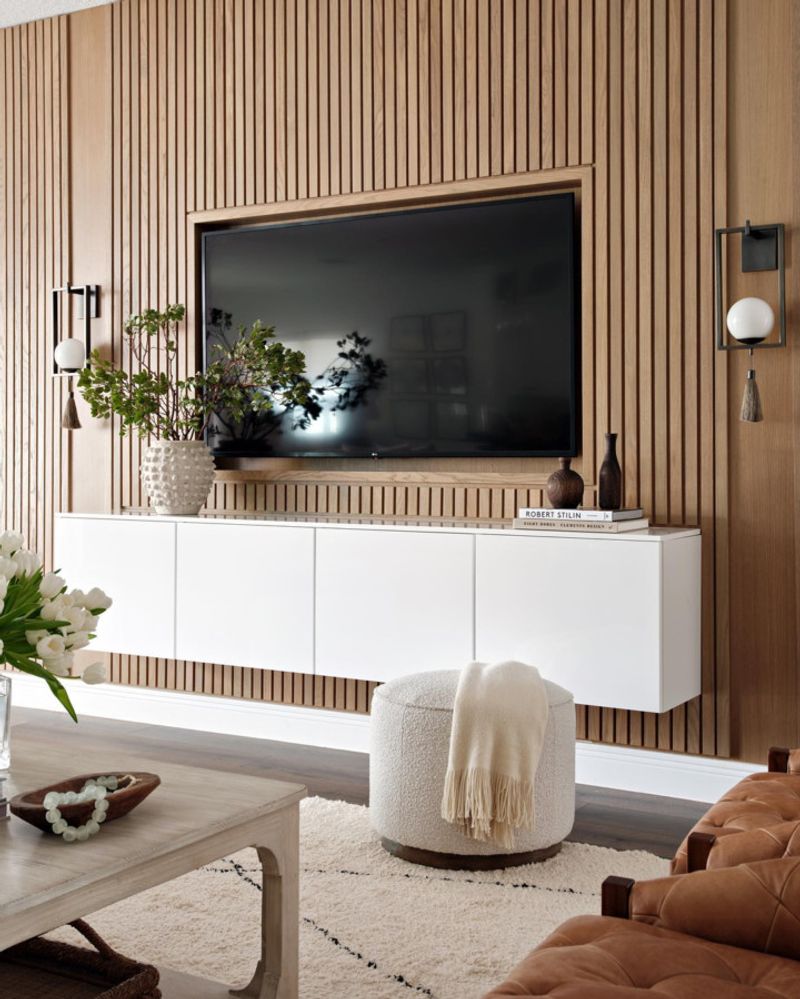
Freeing up precious floor space starts with getting that TV off the furniture and onto the wall. A wall-mounted television instantly creates a sleeker profile in your room.
Most modern flat-screens are designed with wall-mounting in mind, coming with compatible brackets or attachment points. The visual effect makes your room appear larger while keeping pathways clear.
2. Use a swivel mount for flexible viewing
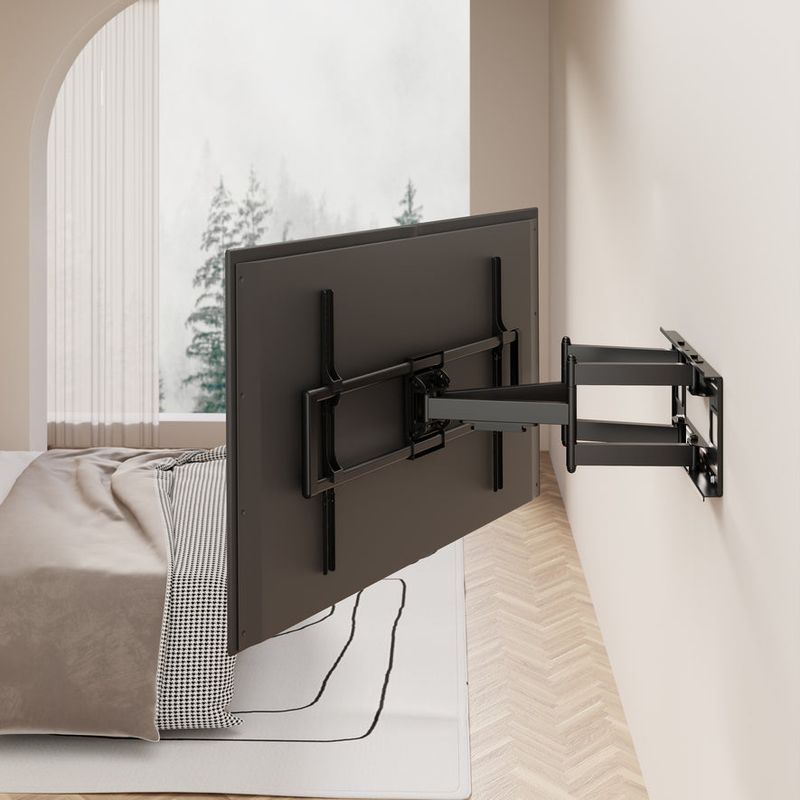
Adjustability is key when space limits your furniture arrangement options. Swivel mounts allow you to position your screen toward different areas of your room without rearranging furniture.
Watching from the kitchen counter? Swing it left. Lounging on the sofa? Swing it right. Many mounts offer up to 180-degree rotation, ensuring perfect viewing angles no matter where you’re sitting.
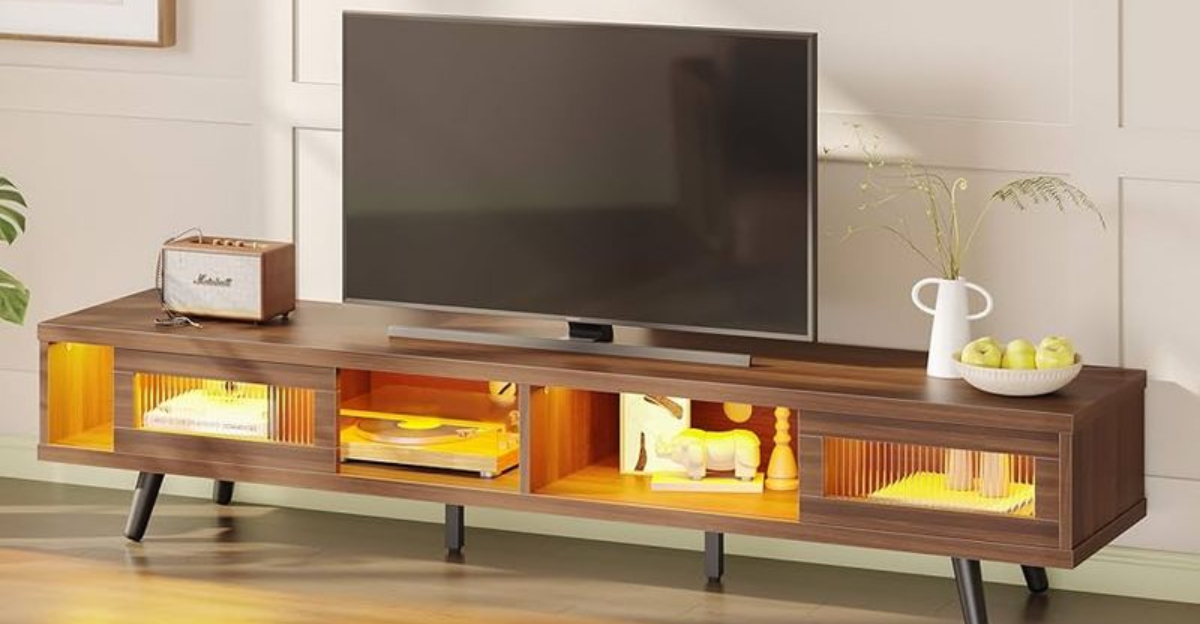
3. Opt for a slim, low-profile TV stand
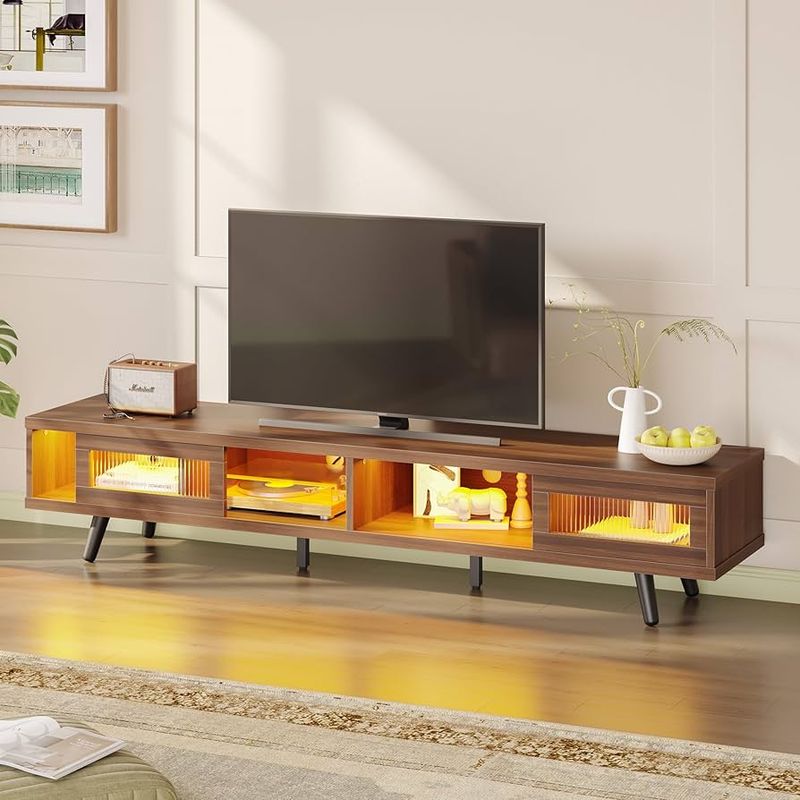
When wall-mounting isn’t possible, sleek is the way to go. Slim TV stands with minimal footprints offer stability without dominating your floor plan.
Look for models under 15 inches deep that still provide enough support for your screen size. Many contemporary designs feature clean lines and floating appearances that trick the eye into seeing more space than actually exists.
4. Choose multi-functional furniture with storage
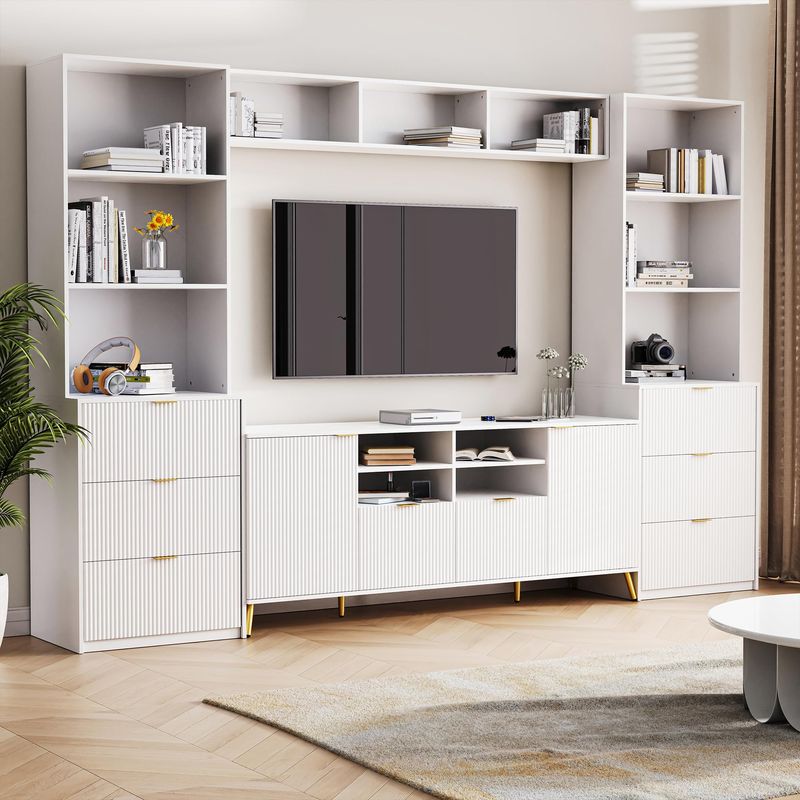
Smart furniture choices make all the difference in compact spaces. Entertainment centers that combine TV support with storage compartments eliminate the need for separate pieces.
Look for units featuring drawers for DVDs, shelves for gaming consoles, and cabinets for hiding unsightly cables. Some even incorporate features like lift-top coffee tables that double as dining surfaces or workstations when needed.
5. Hide wires with cable management systems
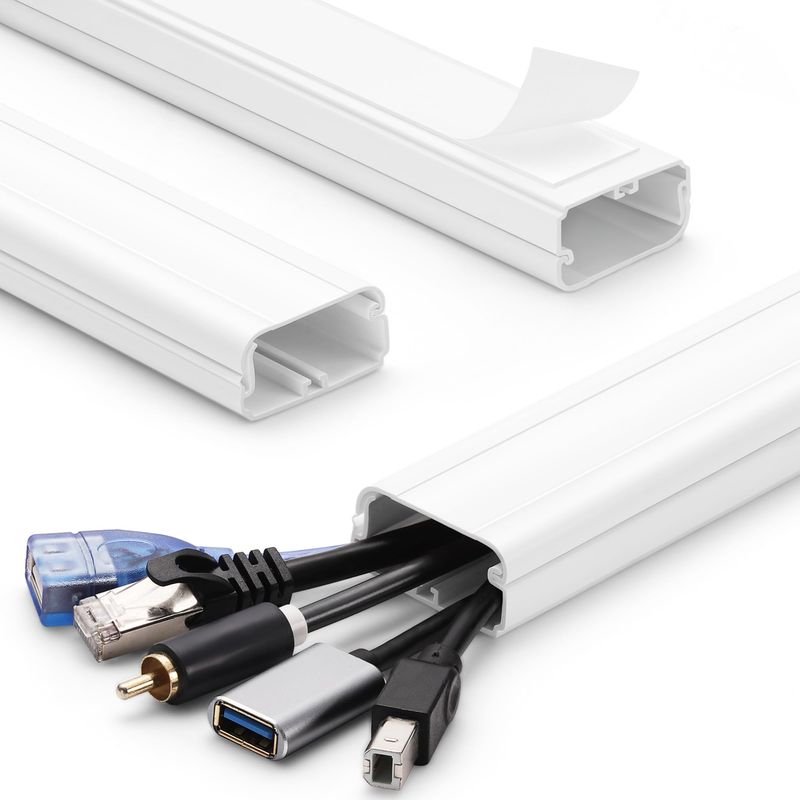
Nothing makes a small space look cluttered faster than tangled cords dangling everywhere. Investing in proper cable management transforms your viewing area from chaotic to clean instantly.
Cord covers that match your wall color create a seamless look. Alternatively, flexible cable sleeves group multiple wires together neatly. For the truly wire-averse, consider cord-hiding furniture with built-in channels.
6. Mount a soundbar below the TV
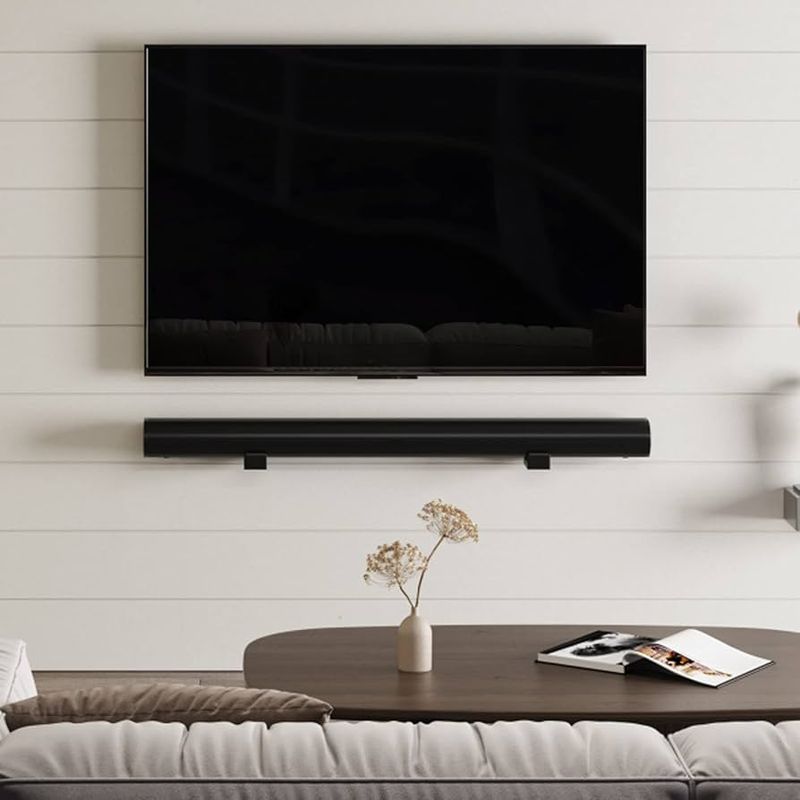
Exceptional audio doesn’t require bulky speaker systems eating up valuable floor space. Wall-mounted soundbars positioned directly beneath your TV create a streamlined entertainment zone.
Many models are specifically designed for this configuration, with matching widths and complementary aesthetics. Beyond the space-saving benefits, this positioning creates optimal sound projection toward your seating area while maintaining visual harmony.
7. Use corner shelves to save space
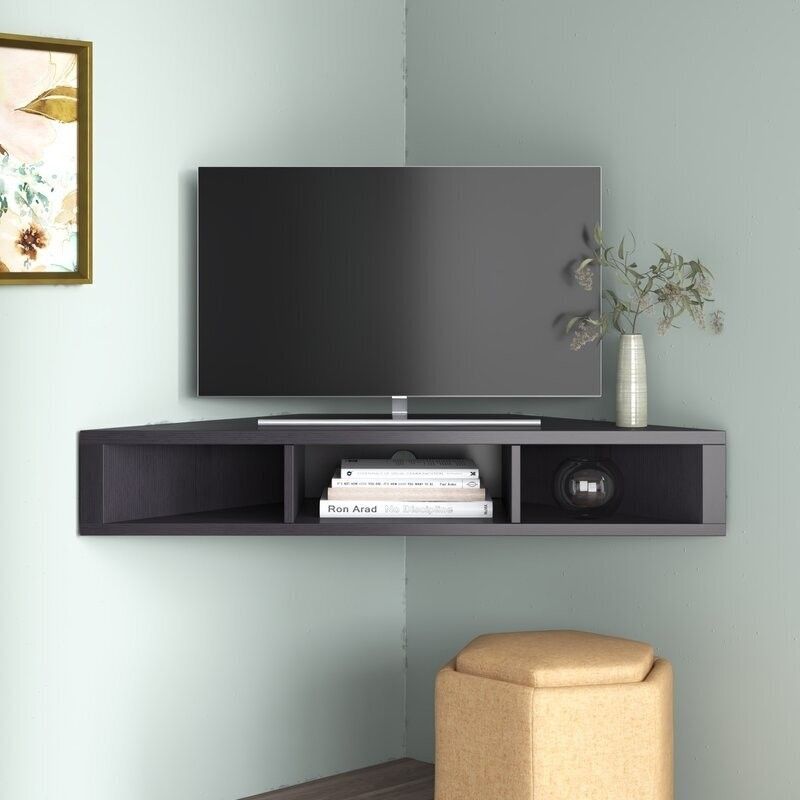
Awkward corners become prime real estate with the right approach. Angled corner TV stands or floating corner shelves utilize often-wasted spaces while keeping your screen at a comfortable viewing height.
Corner configurations naturally create a focal point that works well for entertainment setups. Many designs incorporate diagonal shelving below for components, making the most of every inch without protruding too far into the room.
8. Select a TV size proportional to the room
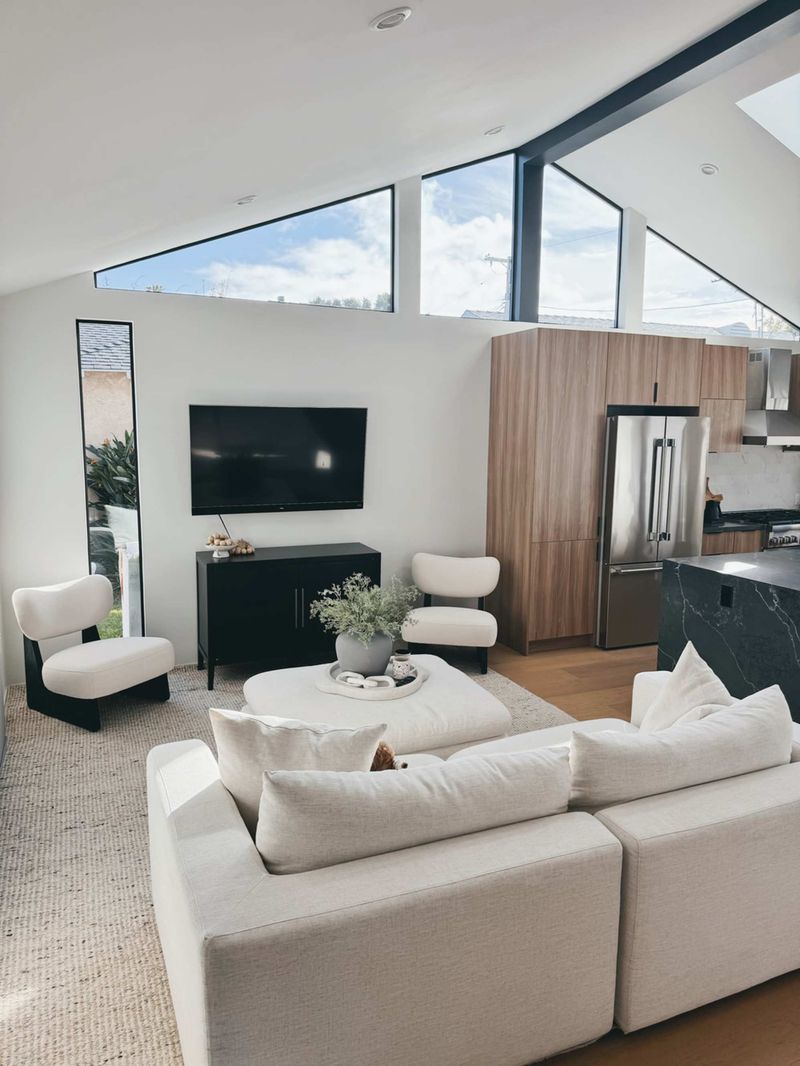
Bigger isn’t always better when space is limited. A properly sized screen maintains visual balance while ensuring comfortable viewing distances.
As a general rule, measure the distance from your seating to the TV in inches, then divide by 2.5 to find your ideal screen size. For most small living rooms, 32-43 inch TVs hit the sweet spot of immersion without overwhelming the space.
9. Keep seating close but comfortable
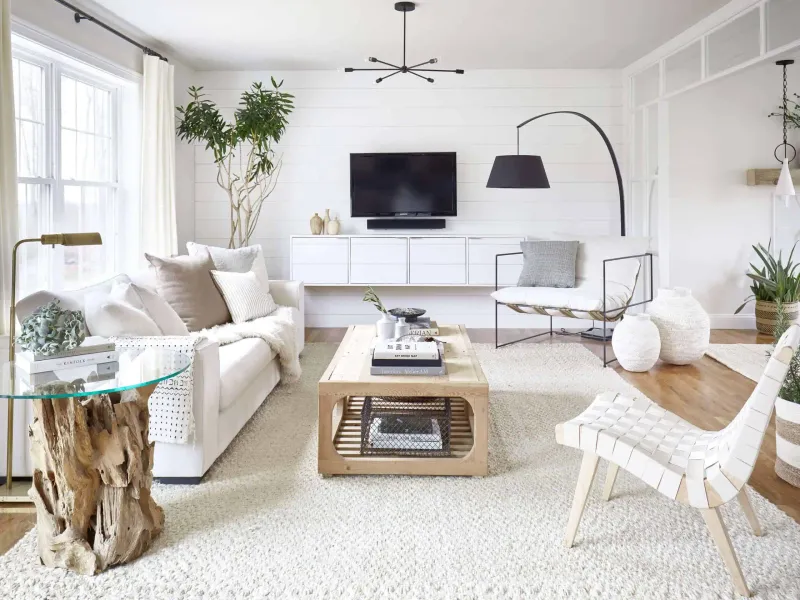
Arranging furniture strategically creates the illusion of more space while ensuring everyone gets a good view. Loveseat-sized sofas or apartment-scaled sectionals provide ample seating without excessive bulk.
Position your primary seating 6-8 feet from the screen for optimal viewing. Avoid blocking natural pathways through the room. Armless chairs or ottomans can serve as additional seating that tucks away when not needed.
10. Use mirrors to enhance light and space
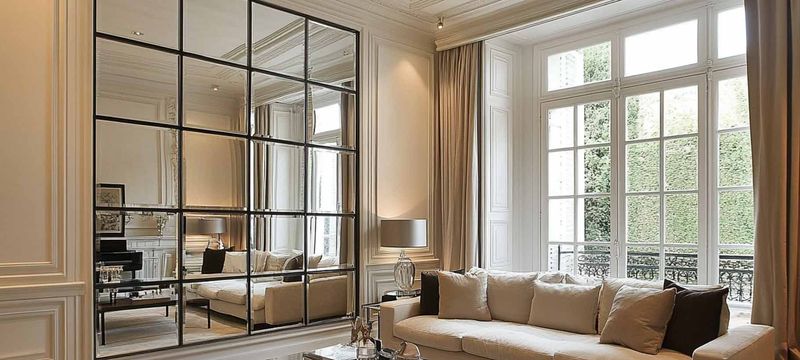
Strategically placed mirrors perform magic in small rooms. Hanging a mirror on the wall adjacent to your TV setup reflects light and creates the perception of doubled space.
Mirrors bounce natural and artificial light around the room, reducing the need for additional lamps near your viewing area. Just be mindful of positioning to avoid screen glare during daytime viewing.
11. Integrate floating shelves for décor and tech
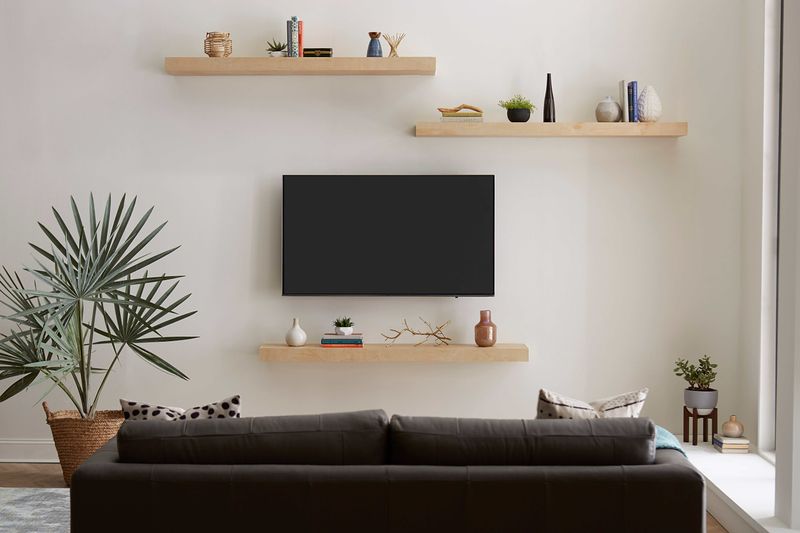
Vertical space becomes your ally when floor space is limited. Installing floating shelves around your TV creates a cohesive entertainment wall while providing homes for components and decorative touches.
Arrange shelves asymmetrically for visual interest. Keep heavier items (like cable boxes) on lower shelves closer to outlets. Balance the look with plants, framed photos, and books to make the TV blend into your overall decor scheme.
12. Choose light, neutral colors to open space
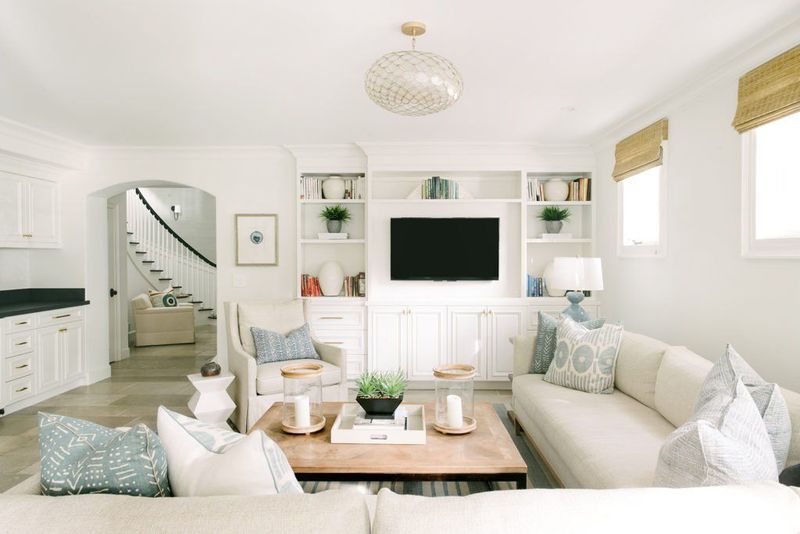
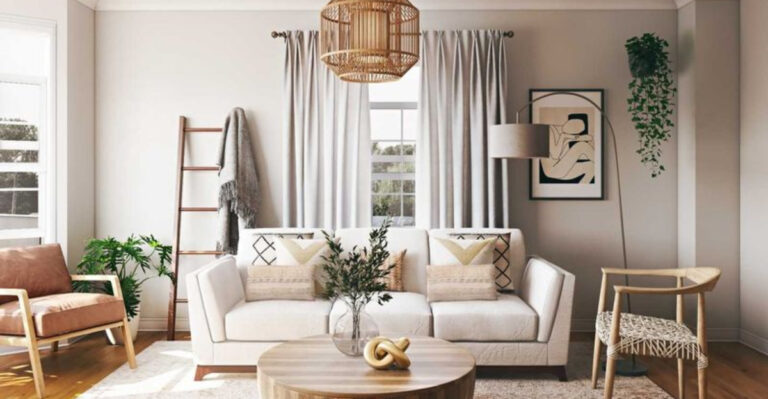
Color psychology plays a huge role in spatial perception. Light walls and furniture create an airy backdrop that makes your TV area feel more expansive than it actually is.
Whites, creams, and soft grays reflect light better than dark colors. Consider painting the wall behind your TV a shade lighter than surrounding walls to create depth. Maintain the light palette in your furniture choices for a cohesive, space-enhancing effect.
13. Use blackout curtains to reduce glare
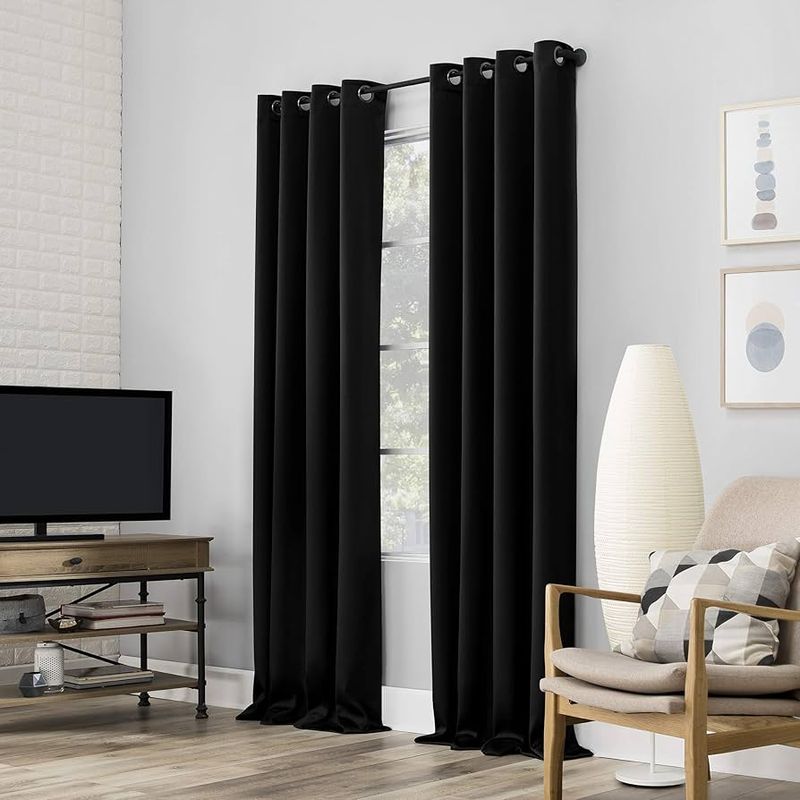
Controlling light transforms viewing quality without requiring additional square footage. Blackout curtains installed near your TV area create theater-like conditions when closed.
During bright daylight hours, these heavy-duty window treatments eliminate screen glare that can make viewing difficult. When not watching TV, simply pull them back to welcome natural light and maintain an open feeling in your compact space.
14. Mount streaming devices behind the TV
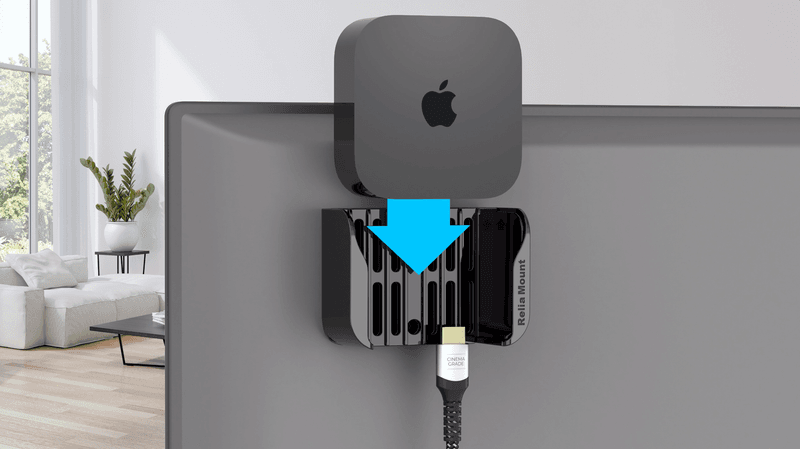
Streamlining your setup means addressing even the smallest components. HDMI streaming sticks and compact media players can be mounted directly behind your TV, completely out of sight.
Special mounting brackets designed for devices like Apple TV, Roku, and Fire TV attach to your TV’s VESA mount points. Power these hidden components using your TV’s USB port when possible to further reduce visible cabling.
15. Create a cozy viewing nook with cushions
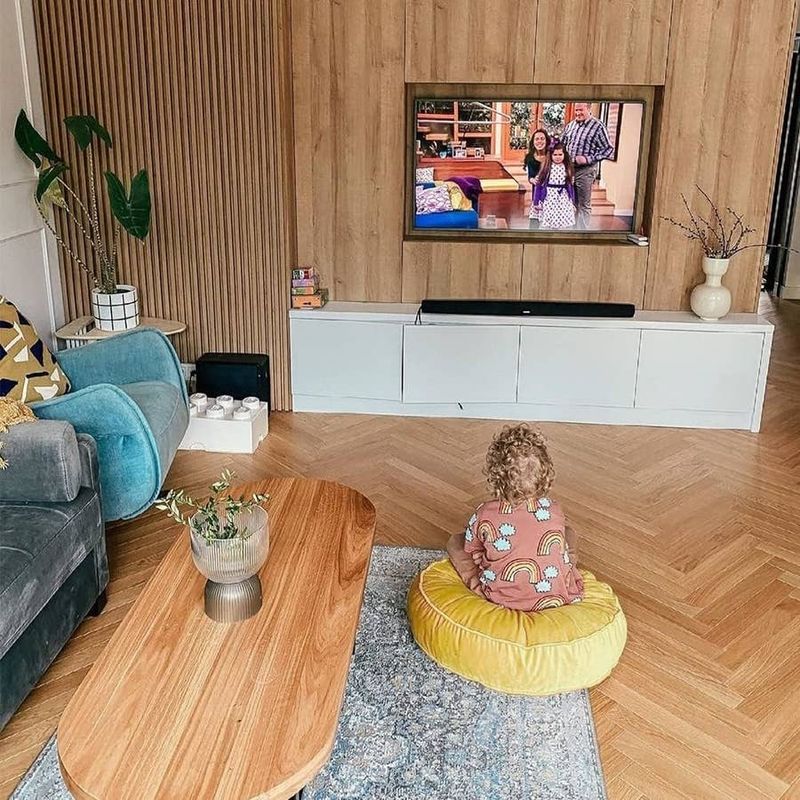
Maximizing comfort doesn’t require massive furniture. Floor cushions, poufs, and oversized pillows create flexible seating that can be rearranged or stored as needed.
Stack large floor pillows against a wall beneath your mounted TV for casual movie nights. During parties, spread them around for additional seating. When not in use, many designs are attractive enough to serve as decor elements or can nest inside storage ottomans.